
01 · Worker location
A live map of your workforce
Know exactly at which station and in which zone each worker is.
- Live floor map with zone occupancy and headcount per shift.
- Station occupation detect stations without operators instantly
- Capture worked hours
- Tap in, tap out using RFID cards or quick selection on screen
Floor map — Shift B● Live
Hall A
I. TorresD. Ruiz
Assembly
A1M. García
A2L. Moreno
Welding
W1J. Martínez
W2No operator
QC
Q1C. López
Q2A. Sánchez
Logistics
L1R. Romero
L2P. Navarro
Stations staffed 7 / 8
W2 has no operator
02 · OEE
Track your plant's efficiency and act on it
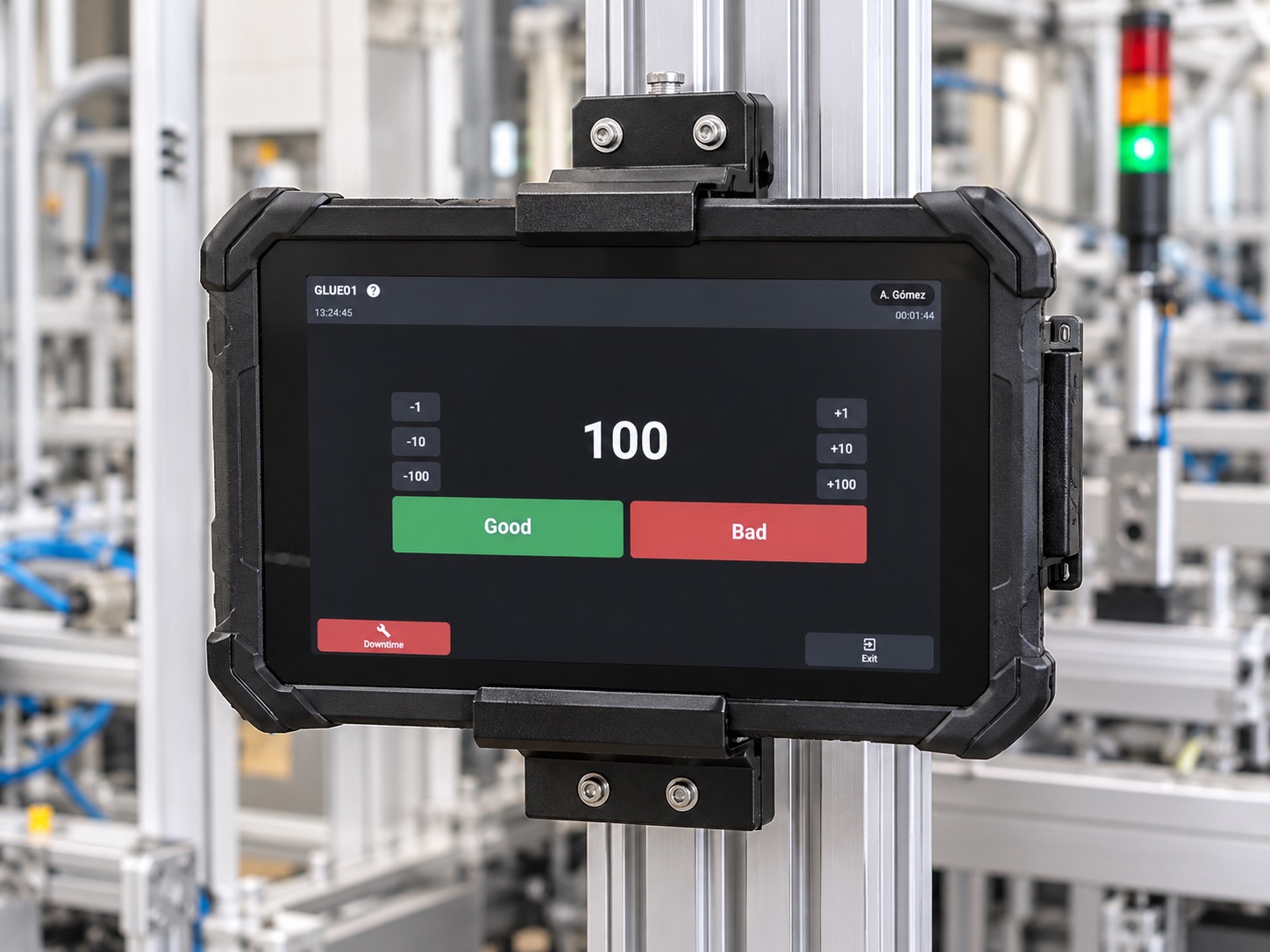
step29 calculates OEE right from operator input. It's the easiest way to get up and running and improve your efficiency.
- Availability, Performance, Quality per machine, line and plant.
- Downtime reason capture with quick reason selection by the operator.
CNC Cell 2 — todayShift A
78%OEE
Availability
89%
Performance
91%
Quality
96%
Tool change42 min
Waiting for material27 min
Minor stops18 min
03 · Dashboards
Your dashboards, your way
Add any chart or report you need to your own custom dashboards.
- Any chart, any report built from your shopfloor data.
- Just describe it and the chart is ready.
Line 2 — weekly reviewThis week
Output9,000pcs
Scrap1.8%▼ 0.4 pts
OEE76%▲ 3 pts
See step29 on your own shopfloor
Book a 30-minute demo. We'll show you worker location, productivity, quality and OEE using a setup that looks like yours.
Email us
info@step29.com